· 12 min read
Hotel Online Reputation Management: A Simple Guide
Learn hotel online reputation management in plain words: where reviews live, how to reply, how to prepare for a crisis, and how to turn trust into direct bookings.
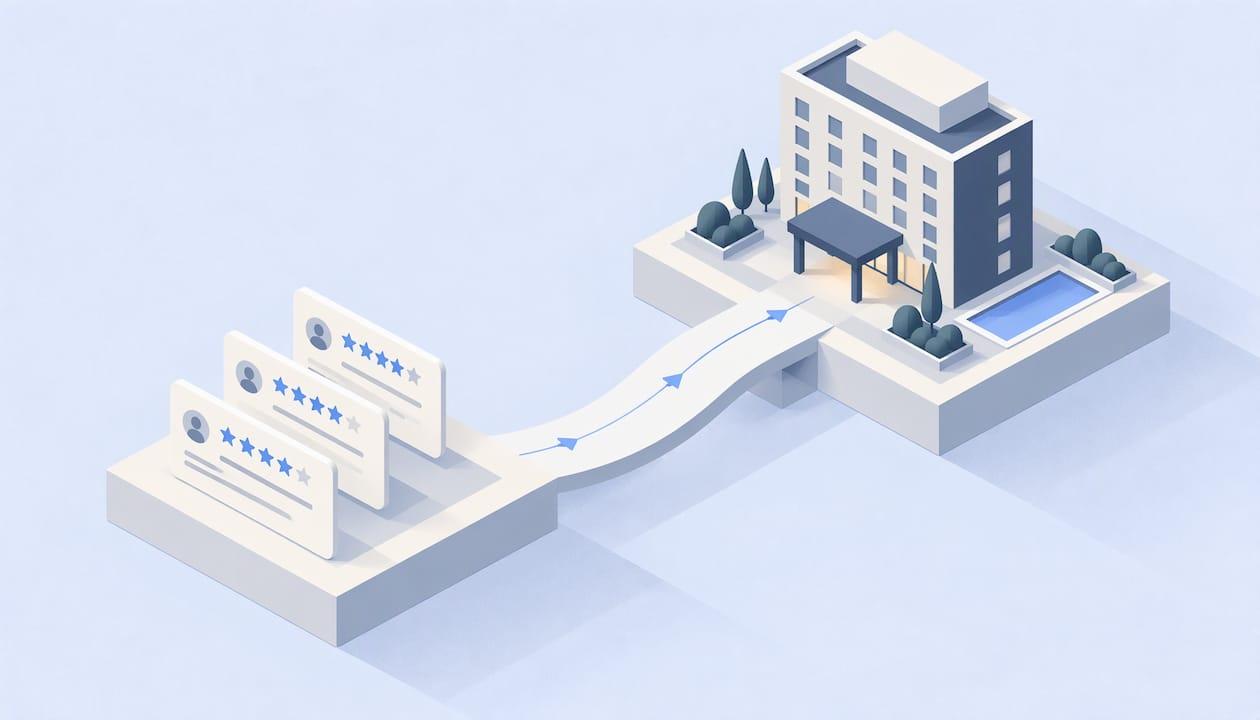
Hotel online reputation management means watching what guests say about your hotel online, answering them, and fixing what they point out. It covers Google, review sites, booking sites, and social media. Done well, it helps more travelers pick your hotel and book with you directly.
This guide shows you how to do it in plain steps. You can start today, even with a small team.
Free with every demo
Get a website guests and AI both recommend.
- See your new AI-visible website on the call
- Social content made and posted for you
- The website is yours to keep, free
Key Takeaways
- Your reputation lives in many places: Google, review sites, booking sites, and social media. Check all of them.
- Reply to every review, good and bad. Aim to do it fast, ideally within 24 hours.
- Better ratings can mean more bookings and room to raise prices.
- Plan for a crisis before it happens. Know who speaks, what they say, and when.
- Track a few simple numbers each month so you know if your work is paying off.
What Hotel Reputation Management Really Means
Think of your reputation as the story strangers tell about your hotel. Guests write that story in reviews. They add to it in photos, posts, and comments.
Managing it has four jobs:
- Watch. Know when someone writes about you.
- Reply. Answer in a kind, clear way.
- Ask. Invite happy guests to share their stay.
- Fix. Use what you learn to make the hotel better.
The fourth job matters most. A great reply cannot cover a broken air conditioner that keeps breaking.
Where Your Hotel’s Reputation Lives
Guests do not look in one place. Check each of these on a set schedule:
- Google Business Profile. This is what shows up when someone searches your hotel name. It has your rating, photos, and reviews.
- Review sites. Travelers read and write reviews on sites built for that.
- Online travel agencies (OTAs). These are the big booking sites. Each one has its own reviews and scores.
- Social media. Guests tag you, post photos, and leave comments.
- Your own website. It should match what the other sites say about you: your address, hours, and room types.
AI tools now read these same places to answer travel questions. If your details are wrong or old, the answer a traveler gets may be wrong too. We cover that in our guide on how guests find your hotel with AI.
Why It Matters for Bookings and Revenue
Reviews change what people do. Here is what the research says.
A study shared by the American Marketing Association looked at hotel bookings. It found that a 1% gain in a hotel’s own review sentiment score led to a 0.38% rise in bookings at average prices. When a rival’s sentiment rose by 1%, your bookings dropped by 0.25%. So your neighbors’ reviews matter too.
Reviews also help you get seen. Hospitality Net reports that Google and booking sites use signals like review volume, average rating, freshness, and response activity when they rank hotels. Better reviews mean more visibility. More visibility means more clicks. More clicks mean more bookings.
Trust is part of it as well. A Hospitality Net guide says 81% of travelers read reviews before booking, and 76% are willing to pay more for well-reviewed properties.
Here is the part that matters for direct bookings. A traveler who sees your hotel on a booking site often opens Google to check your reviews. If the reviews are strong and your website is easy to use, that traveler is more likely to book with you and skip the commission.

Different guests care about different things
The same AMA study found that leisure travelers pay more attention to price. Business travelers pay more attention to reviews and care about comfort and quality. So a hotel with many business guests should watch review themes closely.
Think about the whole stay, too. A guest may love a quiet room and a good bed, and then post about a spa or sauna. Small extras give people something to photograph and write about. For ideas, see this look at hotel sauna design that guests love to share.
How to Monitor Reviews Across Channels
You cannot fix what you do not see. Build a simple routine.
Start with a list
Write down every place your hotel appears. Include Google, each booking site, review sites, and your social pages. Give each one an owner on your team.
Set a check schedule
- Every day: new reviews and social comments.
- Every week: your rating on each site and any new photos.
- Every month: your numbers and review themes (see the measuring section below).
Turn on alerts
Most review sites and Google let you get email alerts for new reviews. Use them. A free alert can save you from a review that sits unanswered for two weeks.
Search your own name
Once a month, search your hotel name the way a guest would. Add words like “reviews,” “parking,” or “breakfast.” See what comes up. Look at the photos too. Write down anything wrong, such as a wrong phone number or an old photo.
Read for patterns
One review is a story. Ten reviews that say the same thing are a signal. Keep a simple sheet with columns like cleanliness, noise, check-in, breakfast, and staff. Add a tally mark each time a guest mentions one.
How to Reply to Reviews
TripAdvisor’s expert guidance says to respond to all reviews within 24 hours in a personal and professional way. It is an older guide, but the habit still works.
Replies are read by future guests, not just the writer. Expedia Group’s partner blog notes that 67% of travelers say it eases their worries when a travel business addresses negative reviews.
Replying to a good review
- Thank the guest by name.
- Mention one thing they said, like the pool or the front desk help.
- Invite them back.
Example: “Thank you, Maria! We are so glad the rooftop view made your anniversary special. Our team loved having you. We hope to see you again soon.”
Replying to a bad review
- Thank them for telling you.
- Say sorry for the problem. Do not argue.
- Say what you will do or have done.
- Offer a way to talk offline, like a manager’s email.
Example: “Thank you for telling us, James. We are sorry the room was noisy at night. We have spoken with our team and are checking the hallway doors. Please email our manager at the address on our website so we can make this right.”
Things to avoid
- Do not copy and paste the same reply every time. Guests notice.
- Do not share private guest details, like the dates of a stay or the room number.
- Do not reply when you are angry. Wait an hour and ask a coworker to read it first.
- Do not blame the guest in public.
A good reply can also change the review. Search Engine Journal reports that 76% of consumers would update a negative review if the company acknowledged and fixed the complaint. So after you fix a problem, tell the guest. Kindly ask if they would update their review.
How to Get More Good Reviews the Right Way
Most happy guests never write a review. They need a nudge.
- Ask at the right time. Ask on check-out day or in a short email the day after.
- Make it easy. Send a direct link to your Google review page. Put a QR code at the front desk.
- Ask your team to ask. Front desk and housekeeping staff hear the praise first. Teach them to say, “If you enjoyed your stay, a review would mean a lot to us.”
- Ask everyone. Do not pick only the guests you think are happy.
Keep it honest. The Federal Trade Commission has a rule on reviews that took effect on October 21, 2024. It targets fake and deceptive reviews, and courts can fine knowing violations. So never write fake reviews, never buy them, and never offer to pay only for positive ones. If you give guests any thank-you, offer it to everyone who shares an honest review, whatever it says.
Fix the Cause, Not Just the Review
Replies calm the moment. Fixes build the reputation.
TripAdvisor’s guidance suggests that hotels analyze reviews and build measurable action plans for each department. Here is a simple way to do that:
| Review theme | Team | Simple fix | How to check |
|---|---|---|---|
| Slow check-in | Front desk | Add a second person at 3 to 5 PM | Fewer check-in complaints next month |
| Noisy rooms | Maintenance | Fix door closers, add door seals | Fewer “noise” tallies |
| Cold breakfast | Kitchen | Use warmers, check temperature | Better breakfast scores |
| Dirty bathrooms | Housekeeping | Add a final check step | Fewer cleanliness mentions |
Share the monthly review themes with all staff. When your team sees guests praising them by name, it lifts morale. When they see a repeat problem, they can help solve it.
Fix Your Online Details
Some reputation trouble has nothing to do with service. It comes from wrong information.
- Wrong hours or phone number on Google
- Old photos that do not match the rooms
- Missing amenities, like free parking or pet rules
- Different room descriptions on different booking sites
Guests get upset when the hotel is not what the listing promised. Then they write about it.
Search Engine Journal calls an optimized Google Business Profile arguably the most potent local SEO tool for businesses with a physical location. Fill in every field. Add fresh photos each season. Post updates. Answer questions guests ask there.
If this feels like a big job, our Online Presence Repair service is built for it. It covers Google Business Profile work, listings on booking sites, and reviews.
Tools: What Software Can and Cannot Do
Reputation tools can save time. Most do a few simple things:
- Collect reviews from many sites into one screen
- Send alerts
- Help draft replies
- Send review requests to guests after their stay
- Show trends over time
There are many types. Some are made for big chains. Some are built for small hotels. Some are all-in-one hospitality platforms. Some are simple review feeds.
What to ask before you pick one
- Does it cover the sites that matter to my guests? Make a list first.
- Does it connect to my property system? This can help send review requests on time.
- Can my team learn it fast? A tool nobody opens does nothing.
- Does it let me write replies in my own voice? Guests can tell when a reply sounds like a robot.
- What does it cost for a hotel my size? Compare monthly prices and contract length.
- Does it show themes, not just scores? Themes tell you what to fix.
Tools help with the busy work. They do not replace a person who cares. A caring human reply still wins.
How to Prepare for a Reputation Crisis
A crisis can be a viral post, a bad news story, a safety incident, or a flood of angry reviews. It will not wait for a good time. Write your plan now.
Step 1: Pick your team
Name one lead, one backup, and one person who can approve public words. Write their phone numbers on one page.
Step 2: Know your first hour
- Find out what happened. Get the facts before you speak.
- Make sure guests and staff are safe.
- Pause scheduled social posts that could look tone-deaf.
Step 3: Write your holding statement
This is a short message you can post fast. It says you know about the problem, you care, and you are looking into it. Do not guess. Do not blame.
Step 4: Reply in one voice
Only the approved person answers in public. Staff should send questions to them. This keeps the story straight.
Step 5: Follow up
When you have facts, share them. Say what you changed. Then keep asking for honest reviews from real guests so the new reviews build back your rating.
If a review breaks the rules of the site, like fake reviews or personal attacks, use the site’s report tool. Keep screenshots. Do not make threats in public.
For any legal or safety issue, call your lawyer or the proper authority first. Then speak publicly.
How to Tell If It Is Working
Do not track fifty numbers. Track these:
| Number | Why it matters | How often |
|---|---|---|
| Average rating on each site | Shows the big picture | Monthly |
| Number of new reviews | Fresh reviews help you get seen | Monthly |
| Response rate | Shows if you are replying to all | Monthly |
| Response time | Shows speed | Monthly |
| Top praise and top complaints | Points to fixes | Monthly |
| Direct bookings share | Shows if trust becomes money | Monthly |
The last one is the one owners care about most. If your rating goes up and direct bookings stay flat, look at your website. It may be hard to use on a phone, or the booking button may be hard to find. Our guide to independent hotel marketing walks through how to turn views into direct bookings.
Numbers like revenue per room matter too. Our post on what RevPAR is shows how to read it.
A 30-Day Starter Plan
Week 1: Look around. List every site where you appear. Fix wrong phone numbers, hours, and photos. Claim any profile you have not claimed.
Week 2: Catch up. Reply to old reviews, starting with the most recent. Write three reply templates you can edit: one for praise, one for a complaint, one for a serious issue.
Week 3: Ask. Set up your review request: a QR code, an email, and a front desk script.
Week 4: Learn. Build your theme sheet. Pick the top two complaints. Give each a fix, an owner, and a date.
After that, repeat. Reputation work is a habit, like cleaning rooms.
Our Perspective
We work with independent hotels, and we see the same pattern again and again. Owners think reputation is a review problem. We think it is a booking problem.
A traveler does not look at one site. They look at Google, a booking site, your social pages, and now AI tools. If those places tell a clear and true story, the traveler trusts you. If they do not, the traveler books on an OTA and you pay the commission.
That is why we do not sell reputation as a stand-alone task. Our approach ties together your online presence, your social media, and your direct booking path. We fix the Google profile and the listings. We build content that shows what makes your hotel special. We aim to make sure the hotel travelers read about is the hotel they can book with you.
Small teams cannot do everything. We built our service for hotels that want direct bookings without a big marketing department.
Chirag
Get Help From People Who Know Hotels
If you want a hand, we can help. HotelHero works with independent hotels to repair their online presence, grow their social audience, and make it easier for guests to book direct. We also help your hotel show up in AI answers through our AI visibility services. To talk about your hotel, get in touch with our team.
FAQ
What is online reputation management for hotels?
It is the work of watching, answering, and improving what guests say about your hotel online. It covers Google, review sites, booking sites, and social media. The goal is to build trust so more travelers choose your hotel.
How fast should a hotel reply to reviews?
TripAdvisor’s guidance says to reply within 24 hours. Try to reply to every review, good or bad. Fast replies show future guests that you care.
Should I reply to bad reviews?
Yes. Thank the guest, say sorry, and explain how you will fix the problem. Future guests read your replies. A calm, kind answer can help ease their worries.
How can a small hotel manage its reputation without a big team?
Start small. Check your main sites each day, use alerts, and keep three reply templates. Give one person the job and review the numbers once a month. You can also get outside help for the heavy work.
Can I pay for good reviews?
No. The FTC’s rule on consumer reviews bans fake and deceptive reviews. Ask real guests for honest feedback, and give any thank-you to everyone no matter what they write. If you are unsure, ask your lawyer.
Sources
- A Secret for Boosting Hotel Bookings (American Marketing Association)
- Why reputation management directly impacts your hotel’s visibility and bookings (Hospitality Net)
- More reviews, more bookings: A complete guide to online reputation management for hotels (Hospitality Net)
- Handling Online Reviews (TripAdvisor)
- Mastering Hotel Guest Reviews (Expedia Group)
- Mastering Local SEO for Travel and Tourism Operators (Search Engine Journal)
- The Consumer Reviews and Testimonials Rule: Questions and Answers (FTC)